









Key Takeaways
- Automated resilience testing deliberately injects failures into systems to validate fault tolerance, recovery capabilities, and system behavior under unpredictable stress conditions.
- Modern distributed cloud architectures with microservices create complex environments where one service failure can cascade into system-wide outages if resilience measures aren’t properly tested.
- Four key types of resilience testing include Fault Tolerance Testing, Recovery Testing, Chaos Engineering, and Disaster Recovery Testing, each targeting specific failure modes.
- Implementation requires defining clear recovery objectives, identifying failure scenarios, creating test cases, setting up controlled environments, and integrating tests into CI/CD pipelines.
- Popular tools include Netflix Chaos Monkey for instance termination, Gremlin for controlled fault injection, LitmusChaos for Kubernetes testing, and Toxiproxy for simulating network problems.
Companies that skip resilience testing face costly downtime, damaged customer trust, and frantic production firefighting. Want to know how to turn potential disasters into controlled experiments your team can learn from? Check out the complete guide below 👇
What is Automated Resilience Testing?
Automated resilience testing evaluates how well your software handles failures and recovers when things break. You deliberately sabotage your own infrastructure. Crash services. yank network connections, and simulate database meltdowns. Then you see if the app keeps running or falls apart. The goal is proving your system can absorb hits, maybe limp along in degraded mode, then recover without users noticing.
Resilience testing isn’t the same as performance testing. Performance tests ask how fast and scalable your system is under normal or peak load. You check response times, throughput, whether it can handle Black Friday traffic. Resilience testing asks what happens when stuff breaks. You validate fault tolerance and recovery speed. A performance test hammers your API with 10,000 concurrent requests to check latency. A resilience test kills your primary database mid-transaction to see if failover kicks in without data loss.
Why does this matter? Modern apps run on distributed cloud architectures and microservices. One microservice hiccups, and it cascades into a full-blown outage. Users expect near-perfect uptime. Anything less and they’re gone. Industries like finance and healthcare face regulatory consequences if systems go down. Automated resilience software testing ensures that when chaos strikes, your system not only survives but also continues to function. That’s the difference between a minor hiccup and a reputation-killing disaster.
In today’s “fail fast, learn faster” world, automated resilience testing is essential, but it’s only as effective as the test management system behind it. This is where aqua cloud transforms how you approach resilience testing. It provides a centralized hub for all your test assets, both manual and automated. With aqua’s powerful automation capabilities, you can seamlessly integrate resilience testing tools like Chaos Monkey or LitmusChaos into your workflow while maintaining complete traceability. The platform’s domain-trained AI Copilot takes this further, helping you generate comprehensive test scenarios that specifically target potential failure points in your system, all based on your own project documentation, not generic suggestions. Teams using aqua report saving up to 43% of test creation time while achieving deeper coverage across fault tolerance, recovery, and disaster scenarios.
Generate resilient systems with complete test coverage using aqua's AI-powered platform
The Importance of Automated Resilience Testing
System reliability determines whether you keep customers or watch them flee to competitors. Industries like streaming, e-commerce, finance, and healthcare demand bulletproof uptime. Netflix popularized this by literally breaking their own infrastructure in production with Chaos Monkey, a tool that randomly terminates servers. They’d rather discover weaknesses on their terms than during the season finale of everyone’s favorite show. That approach kept outages minimal even as their cloud architecture scaled massively.
Shopify leans on automated resilience testing tools for their Kubernetes-based microservices. During Black Friday, they simulate pod crashes and network latency using tools like LitmusChaos. Their checkout systems stay rock-solid when millions of shoppers hit “buy now” simultaneously. No downtime means uninterrupted revenue for merchants and zero frustration for buyers. Financial services firms use resilience testing to validate transaction systems can survive database outages without losing money. One bank using Gremlin uncovered failover weaknesses before they turned into real incidents, protecting customer trust and regulatory compliance.
Skip this and you pay in real costs. Lost sales. Angry users. Potential compliance fines. User dissatisfaction spikes when apps flake out under pressure. They bounce to competitors fast. There’s also the hidden cost of scrambling to fix production fires versus catching issues in testing. Automated resilience testing turns production disasters into controlled experiments you learn from. You wear a seatbelt hoping you never need it. Same principle here.
Key Types of Automated Resilience Testing
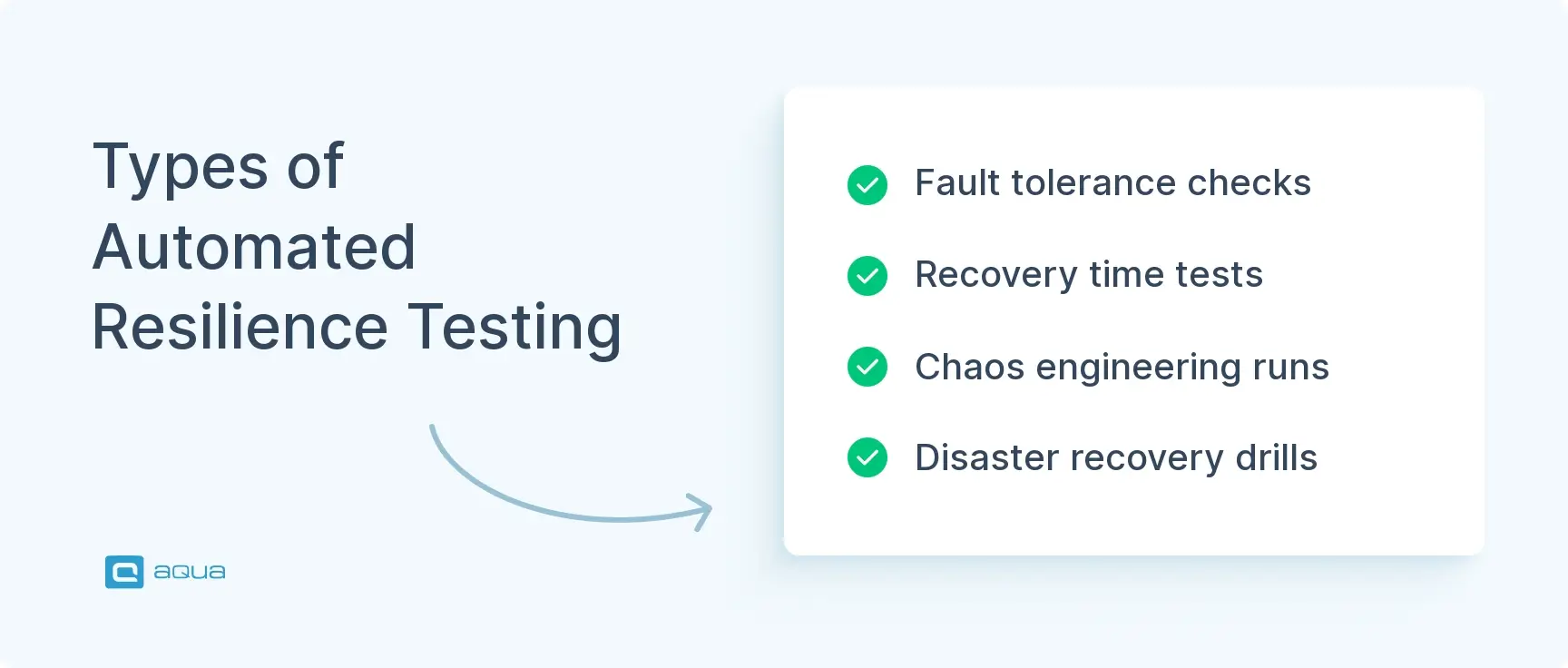
Automated resilience testing covers different failure modes. Understanding these types helps you cover all your bases.
Fault Tolerance Testing
Checks if your system can absorb component failures without collapsing. You’re verifying redundancy works. If a microservice instance dies, do the remaining instances pick up the slack? If a load balancer fails, does traffic reroute? This ensures no single point of failure tanks your entire app.
Real-world example: Kill one API server in a cluster to confirm the others handle requests seamlessly.
Recovery Testing
Focuses on speed and completeness of bounce-back. After you simulate a crash or outage, how fast does the system restore normal service? Can it recover from backups without data corruption? You’re measuring recovery time objectives (RTO) and checking data integrity post-incident.
Example scenario: Intentionally corrupt a database node, then verify your backup restoration process gets you back online within your SLA.
Chaos Engineering
Randomly injects failures to observe system behavior under unpredictable stress. Kill processes. Add network delays. Exhaust CPU or memory. All while the system’s running. If you can survive chaos in testing, production surprises won’t blindside you. Netflix’s Chaos Monkey randomly terminates servers to ensure auto-scaling and failover mechanisms actually work. Chaos engineering surfaces weaknesses you didn’t even think to test for.
Key chaos engineering tactics:
- Random process termination
- Network latency injection
- Resource exhaustion (CPU, memory, disk)
- Time manipulation and clock skew
Disaster Recovery Testing
Validates your worst-case scenario playbook. Data center outages. Catastrophic hardware failures. Ransomware attacks. You’re confirming backup systems, data replication, and failover procedures function correctly. Can you reroute traffic to a secondary site? Restore from backups without data loss? This testing often ties into business continuity plans and regulatory requirements.
Example: Simulate a full region failure in the cloud to verify traffic shifts to another region seamlessly.
Each type builds a resilient system. Fault tolerance keeps you up during small failures. Recovery testing validates you bounce back fast. Chaos engineering uncovers hidden surprises. Disaster recovery proves you can survive the big stuff. Together, they give you confidence your system won’t just survive a bad day.
Next, let’s look at how to implement these tests effectively.
Steps to Implement Automated Resilience Testing
Rolling out automated resilience testing doesn’t have to be complicated. Here’s a practical roadmap.
1. Define Scope and Objectives
Start by identifying what matters. Which systems or services are mission-critical? What does “resilient” mean for your app? Maybe it’s 99.9% uptime. Maybe it’s zero data loss during failover. Set clear recovery time objectives (RTO) and recovery point objectives (RPO) so you know what success looks like. Without this baseline, you’re just breaking stuff randomly.
2. Identify Failure Scenarios
Brainstorm the disasters you want to simulate:
- Server crashes
- Network outages
- Database failures
- Third-party API unavailability
- Sudden traffic spikes
- Hardware faults
- Entire datacenter outages
Each scenario should map back to your objectives. Get input from DevOps, infrastructure, and engineering teams. They know where the weak points are.
3. Plan and Design Test Cases
For each failure scenario, decide how you’ll inject that failure and what you’ll measure. Many teams automate fault injection using tools like Chaos Monkey (kills instances), Toxiproxy (adds network latency), or LitmusChaos (pod failures in Kubernetes). Define expected outcomes. “System should fail over within 30 seconds, no transactions lost.” The goal is to script as much as possible for repeatability.
4. Set Up a Controlled Test Environment
Test in a staging environment that mirrors production. Same architecture. Similar load. Ensure robust monitoring and logging (tools like Prometheus, Grafana, or cloud-native monitoring) are in place to track metrics during tests. If you’re brave and disciplined, you can test in production like Netflix does. But you need safeguards: gradual rollouts, kill switches, alerts. For most teams, a production-like environment is safer.
5. Execute the Resilience Tests
Run your failure injections. Simulate real user activity via load testing tools while components are failing. This reveals issues that only show under load. Watch closely:
- Does the system fail over to backups?
- Do error rates spike?
- Are users impacted?
Log everything. What failed, when, and how the system responded. Track key metrics like uptime, response times, error rates, and resource utilization.
6. Analyze Results
Compare outcomes against your objectives. Did you meet your RTO? Was data preserved? Identify weak points. Maybe a backup service didn’t start. Recovery took too long. Certain requests errored out during failover. Document findings in detail. What broke, why, and what metrics support that.
7. Report and Fix Issues
Share findings with the team. Prioritize vulnerabilities by impact. Implement fixes:
- Add redundancy
- Improve error handling (retries, circuit breakers)
- Tune configurations
- Enhance monitoring and alerting
Resilience testing is iterative. After fixes, re-run tests to confirm improvements worked. Each cycle makes your system tougher.
8. Integrate and Repeat Continuously
The magic happens when resilience testing becomes routine. Integrate tests into your CI/CD pipeline. Run them nightly, per release, or as pipeline stages. Use scheduling tools (Jenkins, GitLab CI) to execute test suites regularly. This catches regressions early and ensures resilience doesn’t degrade as code evolves. Foster a culture where teams routinely consider failure scenarios during design and development using a risk-based testing approach.
Following this process turns resilience testing from a one-off experiment into continuous practice. You catch issues before users do. You build confidence in your system’s fault tolerance. Production surprises won’t catch you off guard.
Next, let’s look at the tools that make this possible.
Tools for Conducting Automated Resilience Testing
You can’t chaos-test effectively without the right tools. Here’s a rundown of popular options that make automated resilience testing less painful and more powerful.
Netflix Chaos Monkey
The OG chaos engineering tool. It randomly terminates instances in your cloud environment (typically AWS) to ensure auto-scaling, load balancing, and failover work as advertised. Chaos Monkey forces you to design services that can lose any single instance without impacting users. It’s open-source and part of the Simian Army suite. Use it to validate redundancy and recovery in distributed systems. If your app can survive Chaos Monkey, it’s production-ready.
Gremlin
A commercial chaos engineering platform with a slick UI for controlled fault injection. You can simulate:
- CPU spikes
- Memory leaks
- Network latency
- Disk I/O issues
- Full instance failures
Gremlin’s safety features (gradual ramp-up, quick rollback) make it safer for teams new to chaos testing. It integrates with cloud providers and Kubernetes. You can target specific services or containers. Teams use Gremlin to validate disaster recovery scenarios and find weaknesses in a repeatable, low-risk way.
LitmusChaos
An open-source framework tailored for Kubernetes. It provides a catalog of pre-built chaos experiments: pod failures, node crashes, network chaos. You orchestrate them as workflows. As a CNCF project, it integrates smoothly with CI/CD pipelines and cloud-native stacks. LitmusChaos helps ensure your containerized apps can handle common Kubernetes failures (pod evictions, node loss) and validates auto-healing and scaling. If you’re running microservices on Kubernetes, this tool makes sense.
Toxiproxy
Simulates network problems like latency, packet loss, or bandwidth throttling between services. Created by Shopify, it’s a proxy you insert between two services to inject network chaos. Perfect for testing how microservices handle unreliable networks. Do timeouts, retries, and circuit breakers kick in correctly? Toxiproxy helps you catch communication layer weaknesses before they cause production headaches.
Jepsen
The specialist for distributed databases and systems. It orchestrates complex failure scenarios (network partitions, process crashes) while verifying consistency guarantees. Jepsen tests databases like Cassandra, MongoDB, or Kafka, ensuring they don’t violate their promises (like ACID or eventual consistency) under faults. More niche but critical if you’re validating data integrity in replicated or sharded systems.
Supporting Tools
Load testing tools like Apache JMeter or Gatling generate background traffic while you inject failures. They simulate real-world conditions where failures happen during peak load. Monitoring tools like Prometheus, Grafana, or cloud-native observability platforms track metrics during tests. They’re your eyes on the system as chaos unfolds.
Many cloud providers now offer native resilience testing services: AWS Fault Injection Simulator, Azure Chaos Studio. These integrate directly with cloud resources. They make it easier to automate failures without managing additional infrastructure.
Bottom line: Start with a general-purpose tool like Chaos Monkey or Gremlin for broad failure tests. Layer in specialized tools (LitmusChaos for Kubernetes, Toxiproxy for networking) as your complexity grows. The goal is to make fault injection automated, repeatable, and safe. Learn more about chaos testing techniques and explore automation tools for software testing to build confidence in your system’s resilience.
You should also consider how a robust test management platform can amplify your efforts. aqua cloud organizes your resilience tests and transforms how you design, execute, and analyze them. By centralizing all your test assets in one platform with comprehensive CI/CD integrations, aqua ensures your chaos engineering experiments are repeatable, trackable, and tied directly to business objectives. The platform’s AI Copilot, uniquely trained on software testing domains and grounded in your specific project context, can help you identify potential failure scenarios you might have missed and generate test cases that verify your system’s ability to recover. With aqua’s visual traceability, you can directly connect failure modes to requirements, ensuring nothing falls through the cracks. Teams using aqua report not only saving 12+ hours per week on test documentation but also achieving significantly higher confidence in their system’s resilience posture.
Build bulletproof applications with 100% resilience test coverage and AI-powered insights
Conclusion
Automated resilience testing finds vulnerabilities before they become outages. You intentionally break things in controlled ways to find weaknesses early. In distributed architectures with high uptime expectations, resilience testing isn’t optional. Validate fault tolerance. Test recovery speed. Run chaos experiments. This practice gives you confidence your system can handle the unexpected. Invest in automated resilience testing for fewer surprises, faster recoveries, and happier users. Define your objectives. Pick your tools. Start testing. Your uptime depends on it.



